Skip to main content Overview Features Editions Extensions Get StartedFAQ Support Documentation Service Status Blog Downloads Buy Overview Support Administrator Portal Subscriber Portal Dev Essentials Visual Studio Hub Free Visual Studio Microsoft Security Azure Dynamics 365 Microsoft 365 Microsoft Teams Windows 365 Microsoft AI Azure Space Mixed reality Microsoft HoloLens Microsoft Viva Quantum computing Sustainability Education Automotive Financial services Government Healthcare Manufacturing Retail Find a partner Become a partner Partner Network Microsoft Marketplace Software companies Blog Microsoft Advertising Developer Center Documentation Events Licensing Microsoft Learn Microsoft Research View Sitemap

Banner test text update

Visual Studio Hub

Your one-stop destination for everything Visual Studio

What’s new

Discover

Whether you’re using Visual Studio for the first time or you’ve been using it for years, there’s a lot to like in our newest version.

GitHub Copilot

Accelerate

Activate Agent mode for powerful assistance that reasons through problems and iterates on solutions.

Discover how

Visual Studio

Youtube

Excel

Search the latest videos from industry experts to level up your skills.

Start watching

Visual Studio

Key resources

Leverage

Unlock the knowledge and support you need to grow as a developer.

Dive in

Visual Studio

Developer Blogs

Explore

Stay ahead of the curve by keeping up with the latest trends and best practices.
Get highlights

Visual Studio

Social channels

Follow

Connect with us on social media to stay updated with the latest news, tips, and exclusive content.

Discover what's new in Visual Studio

Check out what's new in the latest release of Visual Studio 18.5.

See full release notes
Filter by

Define custom agents tailored to your team’s workflow using .agent.md files in your repository or user profile.

Start new cloud agent sessions directly from Visual Studio.

IntelliSense now takes priority over Copilot completions so you only see one suggestion at a time.

Agentic Bug Resolution helps you find and fix bugs with runtime-proofed, interactive AI guidance.

Customize the keyboard shortcuts for accepting Copilot inline suggestions.

Copilot agents in Visual Studio now automatically discover and use skills defined in your repository or user profile.

Browse and navigate your Copilot chat sessions with the new chat history panel.

Agent mode – your AI-driven Copilot just got supercharged

Experience AI-powered coding assistance that reasons through problems, coordinates next steps, applies changes, and iterates on errors.

Stop writing boilerplate code - Introducing "Implement with Copilot"

Stop writing boilerplate code - Introducing "Implement with Copilot"

Automatically adjust pasted code with GitHub Copilot

Automatically adjust pasted code with GitHub Copilot

Next Edit Suggestions is available in Visual Studio

Next Edit Suggestions is available in Visual Studio

Visual Studio February Update

This month’s Visual Studio update continues our focus on helping you move faster and stay in flow, with practical improvements...

Expert tip

Copilot in Visual Studio Just Got a Major Upgrade

Copilot Chat in Visual Studio just got a new engine. Starting with Visual Studio 2026 version 18.12, it runs on...

Expert tip

IntelliSense takes priority over Copilot

IntelliSense now takes priority over Copilot completions so you only see one suggestion at a time.

Latest update

Cloud agent integration

Start new cloud agent sessions directly from Visual Studio.

Latest update

Today I will… find hidden latency across a distributed .NET application

When a distributed application feels slow, the user sees one delay. The code behind that delay may run across a...

Expert tip

New chat history panel

Browse and navigate your Copilot chat sessions with the new chat history panel.

Latest update

Use agent skills

Copilot agents in Visual Studio now automatically discover and use skills defined in your repository or user profile.

Latest update

Agent Skills in Visual Studio: Teach Copilot How Your Team Works

Visual Studio now supports Agent Skills, which are reusable instruction sets that teach Copilot agents how to handle specific tasks...

Expert tip

Build your own custom agents

Define custom agents tailored to your team's workflow using .agent.md files in your repository or user profile.

Latest update

Customizable Copilot keyboard shortcuts

Customize the keyboard shortcuts for accepting Copilot inline suggestions.

Latest update

Built-in Agent Skills Bring .NET and Azure Expertise into Visual Studio

Visual Studio now includes built-in Agent Skills, created by experts from the .NET and Azure teams, to help you better...

Expert tip

Follow Visual Studio on social

Trending now on YouTube

Subscribe now

Hidden Visual Studio features you don't want to miss

Hidden Visual Studio features you don't want to miss

All The Ways to Organize & Personalize Code Tabs in Visual Studio

All The Ways to Organize & Personalize Code Tabs in Visual Studio

New and Improved Markdown Experience for Visual Studio

New and Improved Markdown Experience for Visual Studio

Explore developer insights

Lead by staying informed on the latest updates, tips, and inspiration.
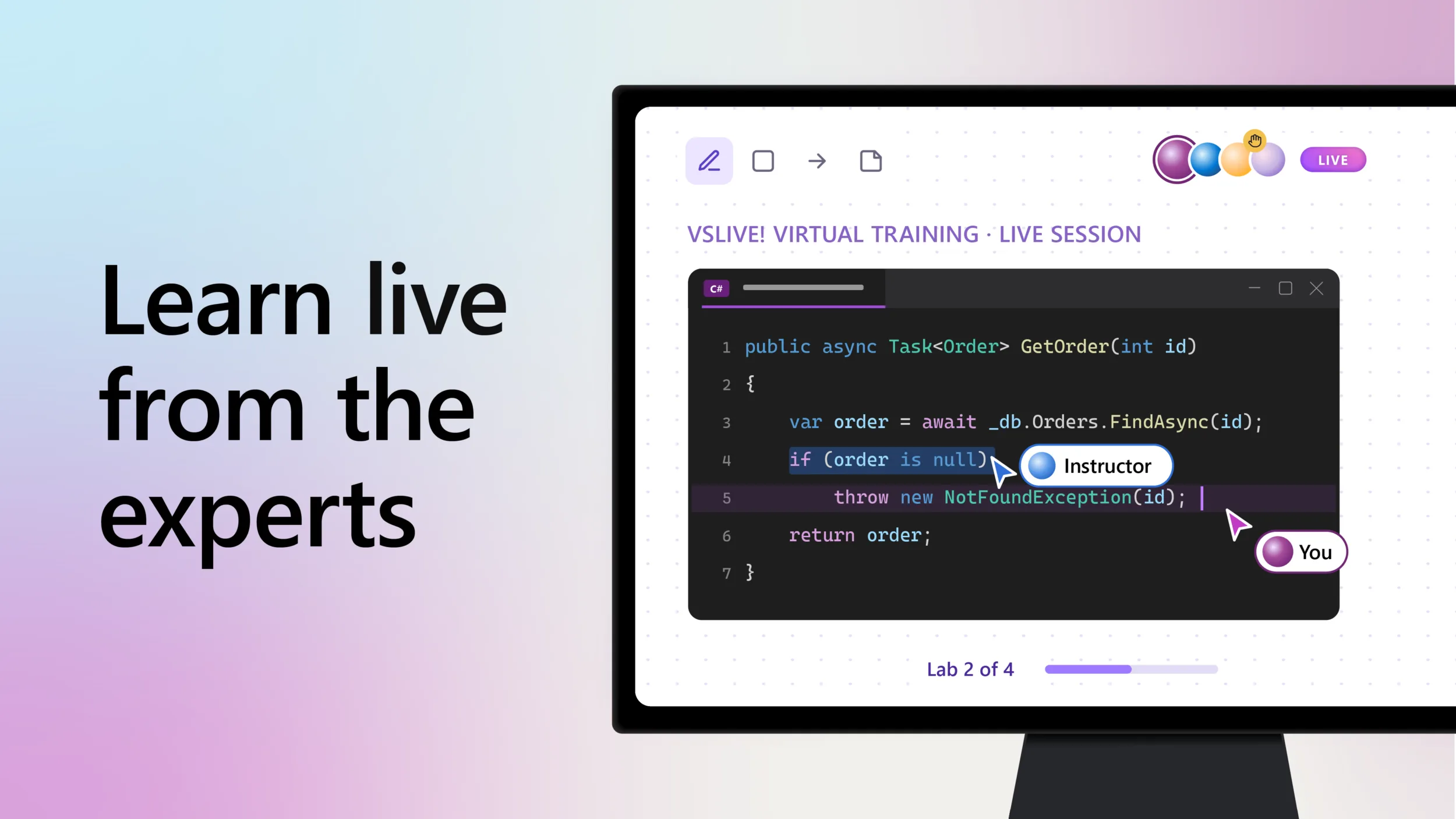
James Rempt, November 19th, 2026

Live technical training, wherever you are: A VSLive! benefit for Visual Studio subscribers 

Developers are constantly speaking to me about how AI tool mastery has become an essential part of their everyday work. But ...

Read more
Leverage key resources

Empower your development journey with the right knowledge and tools.

Visual Studio

Master Visual Studio

Dive into our in-depth documentation to discover best practices, feature tutorials, and more—a destination perfect for beginners and experienced users.

Visual Studio

Connect with fellow developers

Stay ahead in tech and get the job done with Microsoft’s developer tools and services. Grow your skillset and expand your network with local meetups and events.

Visual Studio

Share your feedback

Help shape the future of Visual Studio by connecting directly with Microsoft engineers on Developer Community.

FAQ

English (United States)
Your Privacy Choices Opt-Out Icon Your Privacy Choices
Consumer Health Privacy Contact us Privacy & cookies Manage cookies Terms of use Trademarks About our ads