


Learn to code in Visual Studio


Install Visual Studio
Download and install the latest version of Visual Studio to get started. Visual Studio is free for learning and individual use. You can save installation time and disk space by selecting just the components needed. You can incrementally add more components later at any time as needed.

Getting started with Visual Studio IDE
Build apps and learn new languages with a powerful, all-in-one IDE. Edit code, debug, and use built-in tools all in one place.
Start customizing
Get familiar with the IDE
Explore the basics of Visual Studio and start building quickly. Watch this short video to learn how to navigate the editor, write code, and run your first project.
Customize your setup
Make Visual Studio work your way. Personalize themes, layouts, and shortcuts to match your workflow and boost productivity. This video shows you how your customization options can work for you.
Start a tutorial
Choose a language to get started. Learn the basics, explore tutorials, and start building real projects.
Build high-performance apps, games, and system-level tools.

Create native Windows apps with C++. Start with a console app and learn core concepts.

Dive deeper into C++ development in Visual Studio.

Build modern apps for web, desktop, cloud, and more.

Create Windows apps using C# and .NET. Start with a simple project and learn the basics.
Build fast, scalable web apps with ASP.NET. Learn how to create and run your first site.
Use C# for real-time, performance-driven games. Explore Visual Studio Tools for Unity for high-performance debugging and enhanced writing.
Explore more .NET tutorials and learning paths.
Build modern web apps and scalable front-end experiences.

Create interactive web apps using JavaScript or TypeScript in Visual Studio.
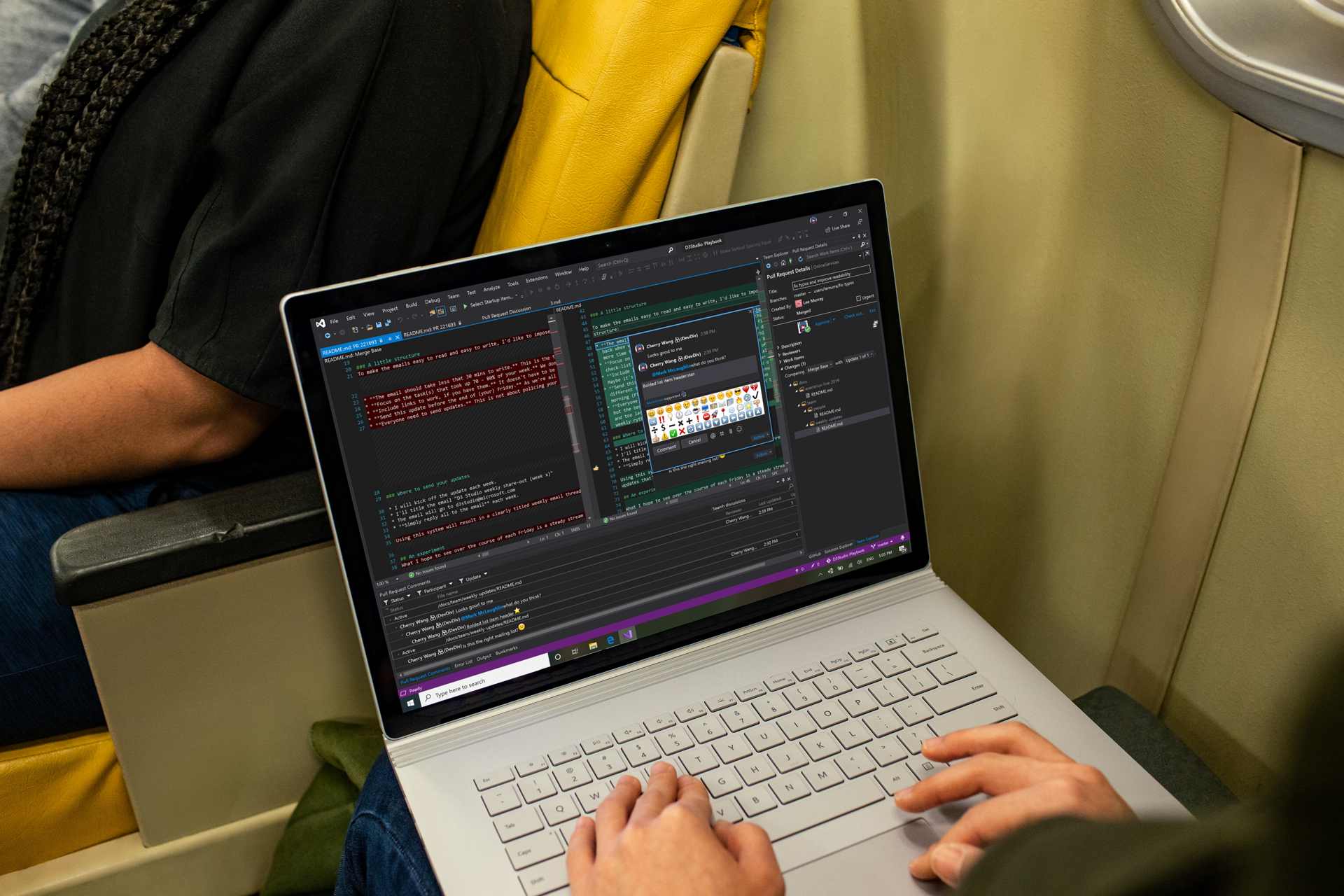
Learn more about modern JavaScript development in Visual Studio.

Build fast, scalable backend services with JavaScript.

Create and run your first Node.js app in Visual Studio.

Connect front-end and backend using Node.js and React.

Explore Node.js tools and development workflows.

Get started quickly with a simple, versatile language.
Write your first Python program and run it in Visual Studio.

Use Python for automation, data analysis, and everyday tasks.

Explore more Python tutorials and workflows.
Write code faster with AI-powered suggestions. Generate, edit, and explore code directly in your editor.
Customize Copilot chat to your by managing context with references, accessing different models, and adding custom instructions to partner with your development workflow.

Track changes and collaborate using Git and GitHub. Manage branches, commits, and sync your code, all in one place.
Enhance your productivity when you manage your Git repository, clone and create repos, and make a commit, and personalize your Git settings, all with Visual Studio.

Expand your Visual Studio skills by area
Ready to do more? Extend your skills with additional learning modules recommended for your learning path

Develop
Write and manage your code using the code editor

Build
Compile and build your source code

Version Control
Share code using source control technologies such as Git and TFVC.

Deploy
Share your apps and code by using Web Deploy, InstallShield, NuGet, Continuous Integration, and more.

Extend
Add your own functionality to the Visual Studio IDE improve your development experience.

Data
Create data apps that connect to any database or service, and anywhere—local or cloud.

Debug
Write and manage your code using the code editor

GitHub Copilot
Write code more productively and efficiently with AI-powered code suggestions and chat conversations.

DevOps
Continuously build and release your apps in the cloud, and implement Agile practices with Azure DevOps Services.


