


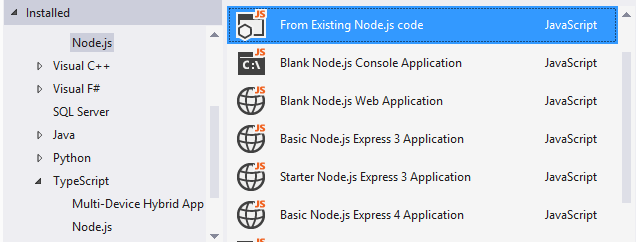
Project templates
Get up and running quickly
Get started building Node.js apps in Visual Studio using built-in project templates. Alternatively, use the command-line scaffolding tools you are already familiar with to generate your project, and import it into Visual Studio with just a few clicks.
IntelliSense
Understand your code
Experience useful and syntactically-correct completions with the powerful IntelliSense engine that statically analyzes your Node.js code and any packages you are using.
Learn more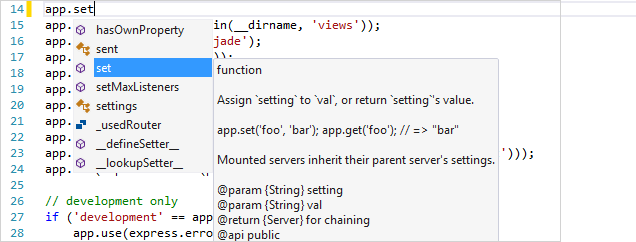
npm integration
npm everywhere, just like it should be
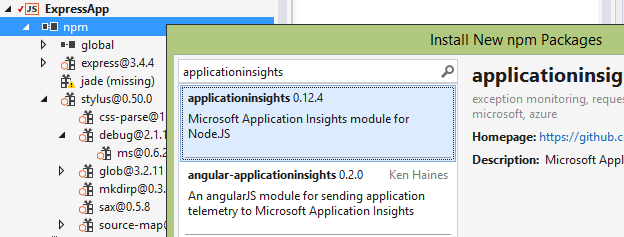
Whether you prefer to interact with npm through a rich user interface, a command-line, or both… we’ve got you covered. Quickly search and install packages from a rich user interface, explore packages and their dependencies in the npm tree view, and see warnings when one of your dependencies is missing.
Interactive Window
Iterate faster
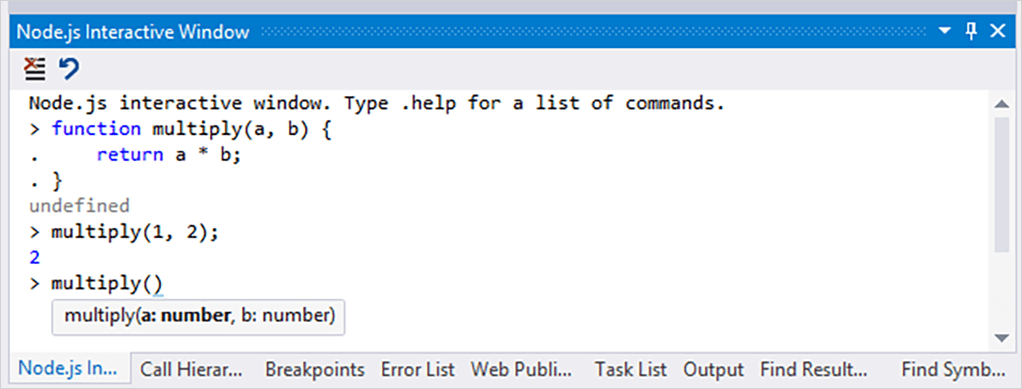
Enter Node.js code and see the results immediately in the Node.js Interactive Window (also known as a REPL window). You can use the same built-in modules, syntax, and variables you’d use in a Node.js script. And of course, you’ll get full syntax highlighting and IntelliSense on your code, just like you do in the editor.
Advanced debugging
Local and remote to any OS
Enjoy stepping through your code with breakpoints and automatic exception notifications in Visual Studio’s interactive debugger. Advanced features include conditional breakpoints, trace points, hit counts, edit-and-continue, and cross-OS (Linux/macOS/Windows) remote debugging.
Learn more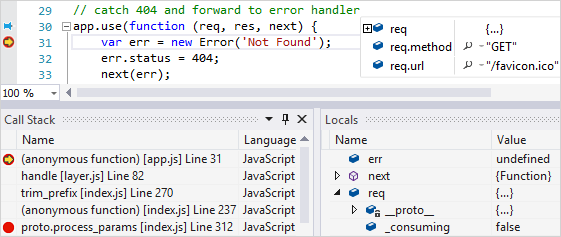
Profiling
Track down performance issues
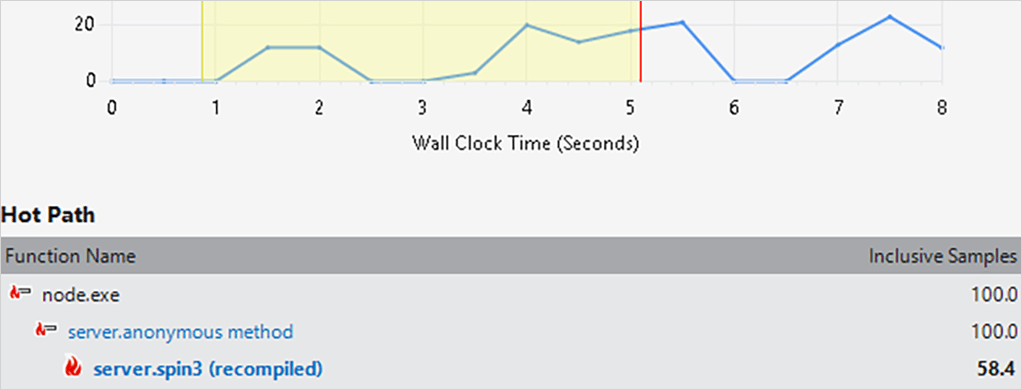
Profiling reports provide views on the different levels of your application structure from source code lines to processes, and program execution data from the calling and called functions of a specific function to the call tree of the entire application.
Unit testing
Bring your own test framework
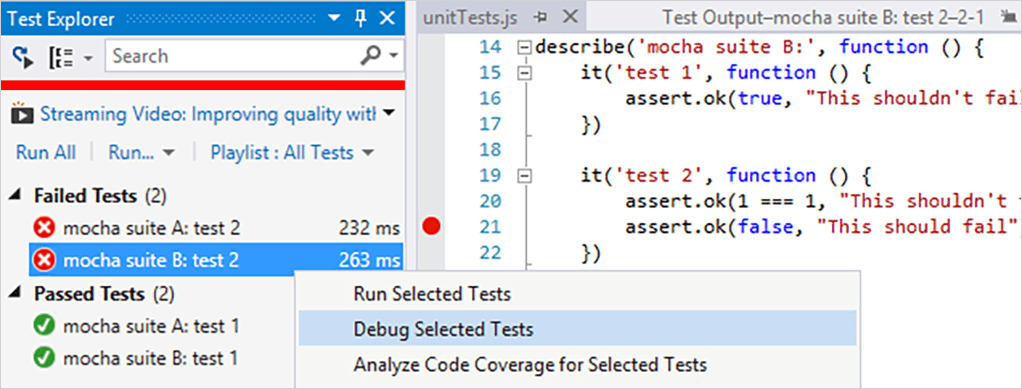
Node.js Tools for Visual Studio includes support for discovering and executing unit tests. This allows you to author, run, debug, and filter unit tests without having to switch to a command prompt. Use mocha, or simply extend Visual Studio to work with your favorite unit testing framework.
TypeScript integration
Build robust applications
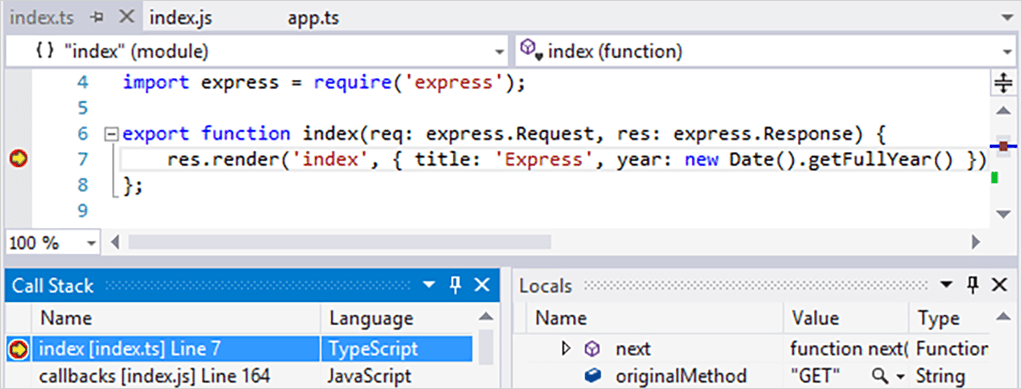
TypeScript is a superset of JavaScript that compiles to clean JavaScript output. It adds optional types, classes, and modules, which enable you to write more maintainable code and take advantage of more powerful tooling. Node.js Tools for Visual Studio provides full end-to-end support (from IntelliSense to unit testing) for working with TypeScript in your Node.js apps.
Source control
Command-line not required
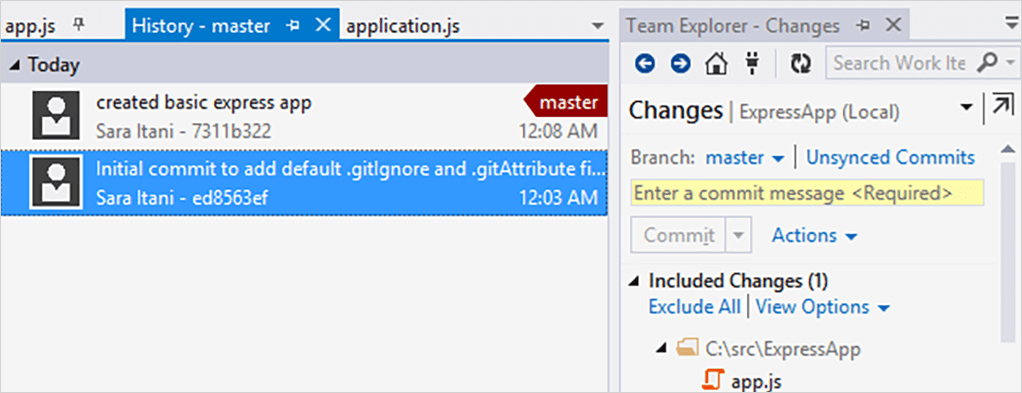
Manage your Git/TFS projects, pending changes, and branches with ease using the Team Explorer. Alternatively check out one of the many source control extensions available for Visual Studio.
Cloud integration
Create and deploy in <5 minutes
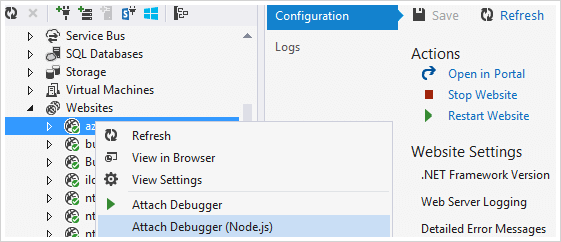
Create, test, and deploy web applications written with Node.js, and debug them from your desk while they run on your Linux or Windows-based server. Additionally, take advantage of tight Visual Studio integration with cross-platform Azure services for Node.js– even if you are not deploying to Azure (e.g. monitor performance and usage of your live application with Application Insights.)
Customize your tools
Extensions for grunt, gulp, and more!
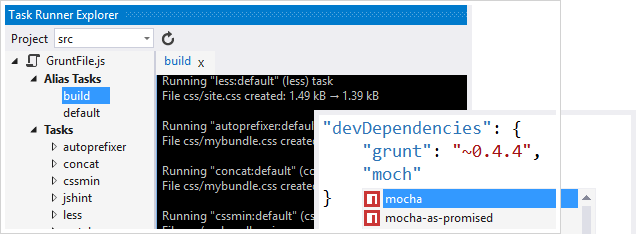
Complement your experience with the many JavaScript and Node.js extensions available in the Visual Studio Gallery. Popular extensions include:
- Package IntelliSens
- Web Essentials (includes jslint and jshint support)
- Task Runner Explorer (for grunt and gulp)
- EditorConfig
Free and open source
Join the GitHub community
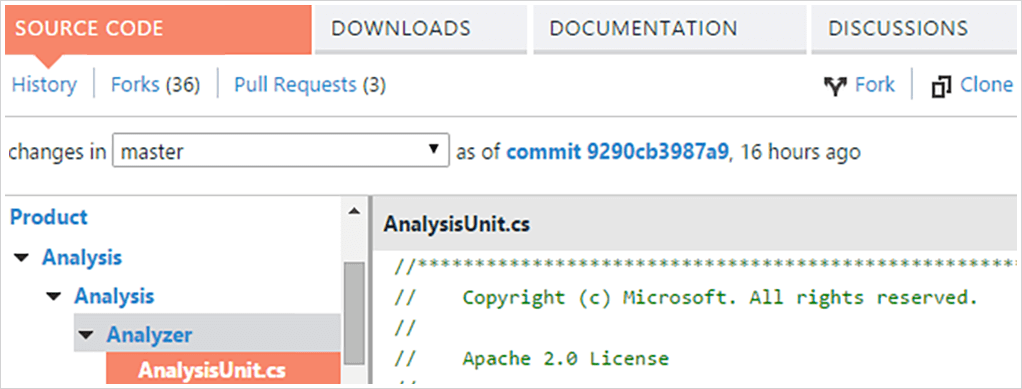
Node.js Tools for Visual Studio is a free and open source Visual Studio extension supported by Microsoft and the community. We are constantly working to improve the Node.js experience in Visual Studio, and look forward to hearing any feedback or ideas you have (especially those that come in the form of pull requests).
Download the latest Visual Studio
Visual Studio Community
Free, fully-featured IDE for students, open-source and individual developers.
Learn moreVisual Studio Professional
Powerful developer tools, services, and subscription benefits for efficient small-team collaboration.
Learn moreVisual Studio Enterprise
Advanced debugging, enterprise security, AI-assisted development—plus Azure Credits and Dev/Test pricing for the cloud.
Learn more


