

Free IDE and Developer Tools | Visual Studio Community
Visual Studio Community
A fully-featured, extensible, free IDE for creating modern applications for Android, iOS, Windows, as well as web applications and cloud services.

Everything you need all in one place

Flexibility
Build apps for any platform

Productivity
Designers, editors, debuggers, profilers, in one single tool

Ecosystem
Access to thousands of extensions

Languages
Code in C#, Visual Basic, F#, C++, HTML, JavaScript, TypeScript, Python, and more
Lightweight and modular installation
Craft your ideal development environment
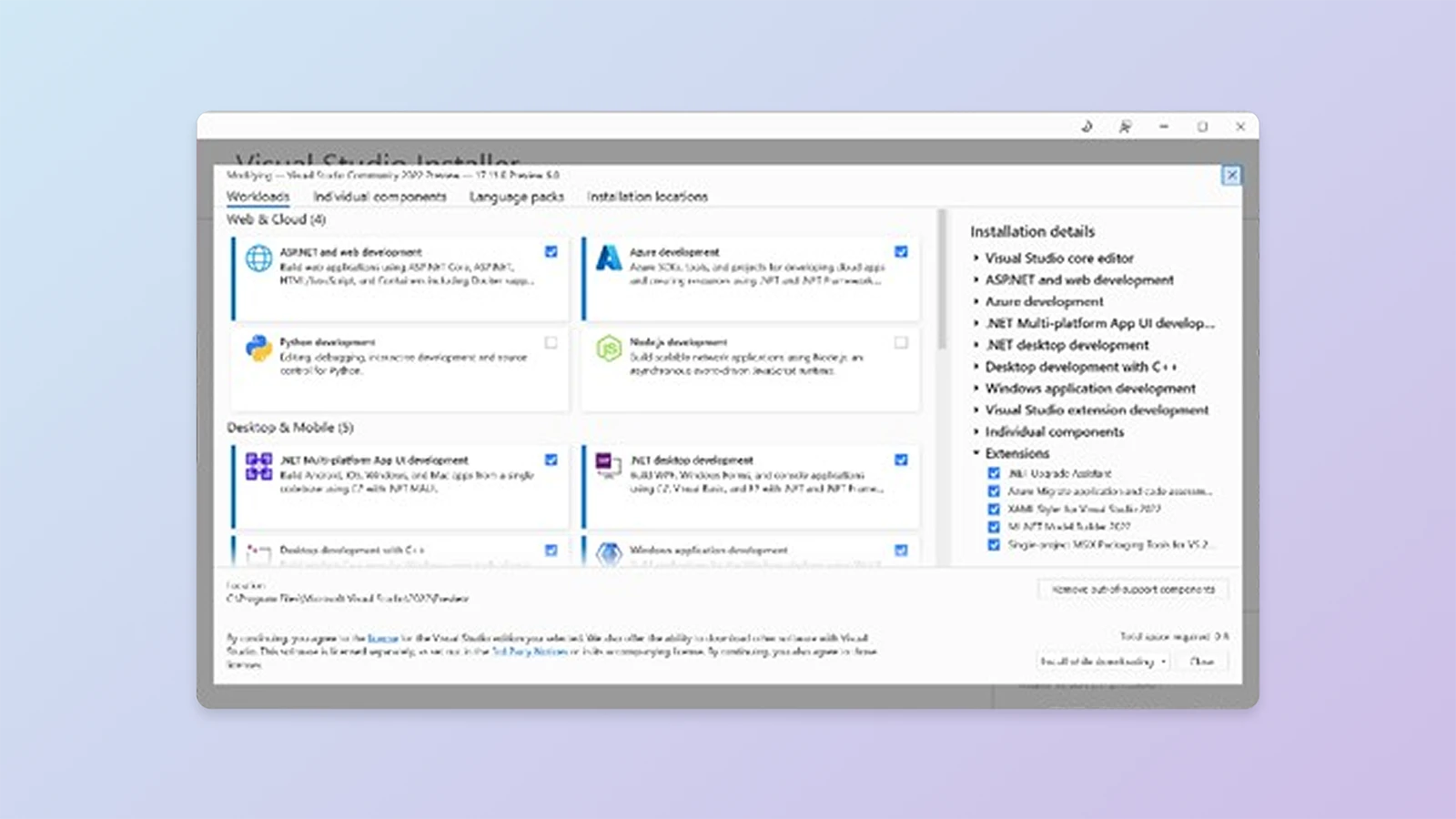
A brand-new workload-based installer optimizes your installation to make sure you have everything you need and nothing you don’t.

Cloud-connected
- Stay up to date and in the know
- Code more efficiently with built-in and downloaded features
- Collaborate seamlessly without leaving the editor
Enhanced capabilities
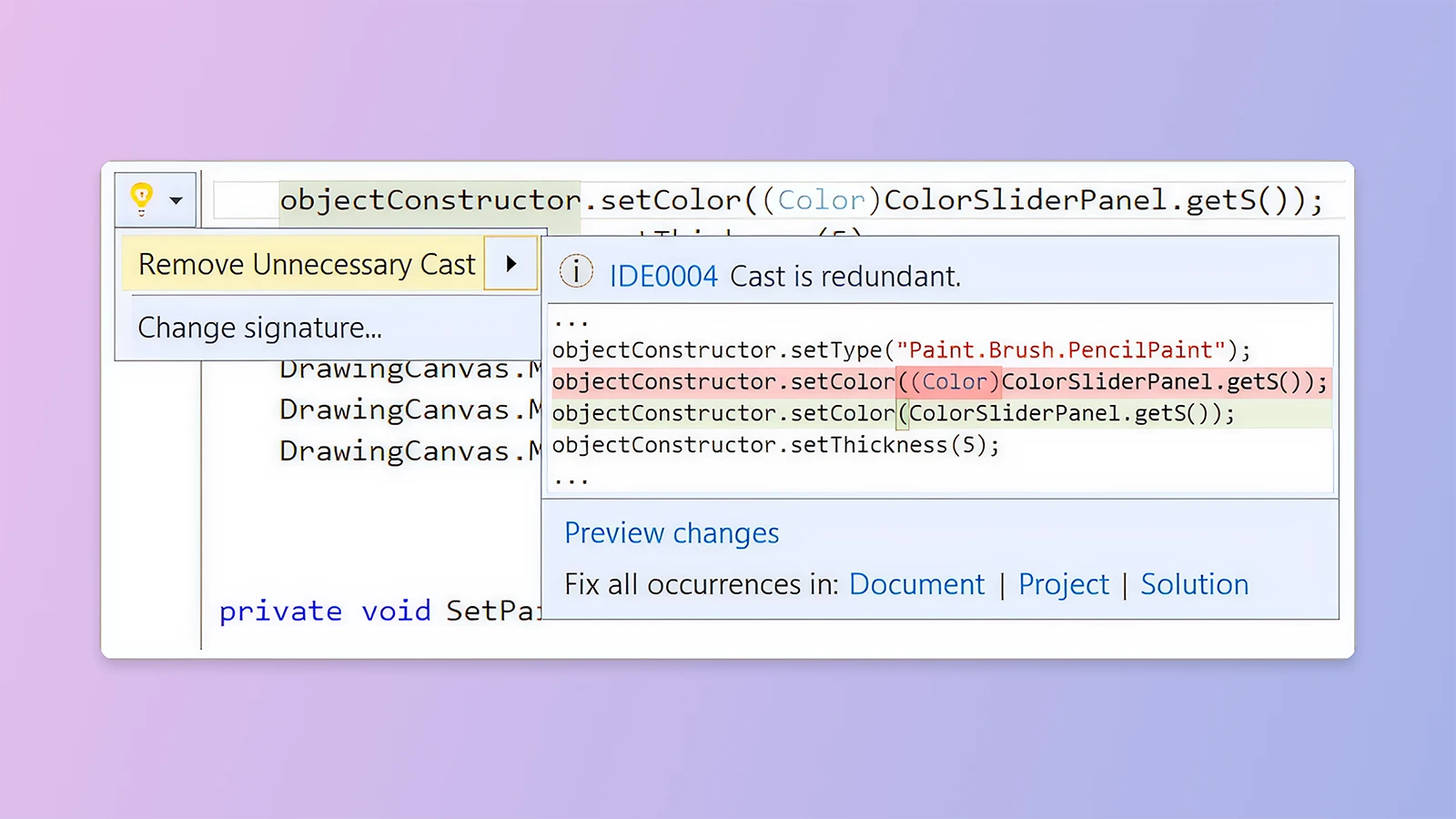
Code with confidence in your language, find and fix code issues quickly, and refactor with ease.
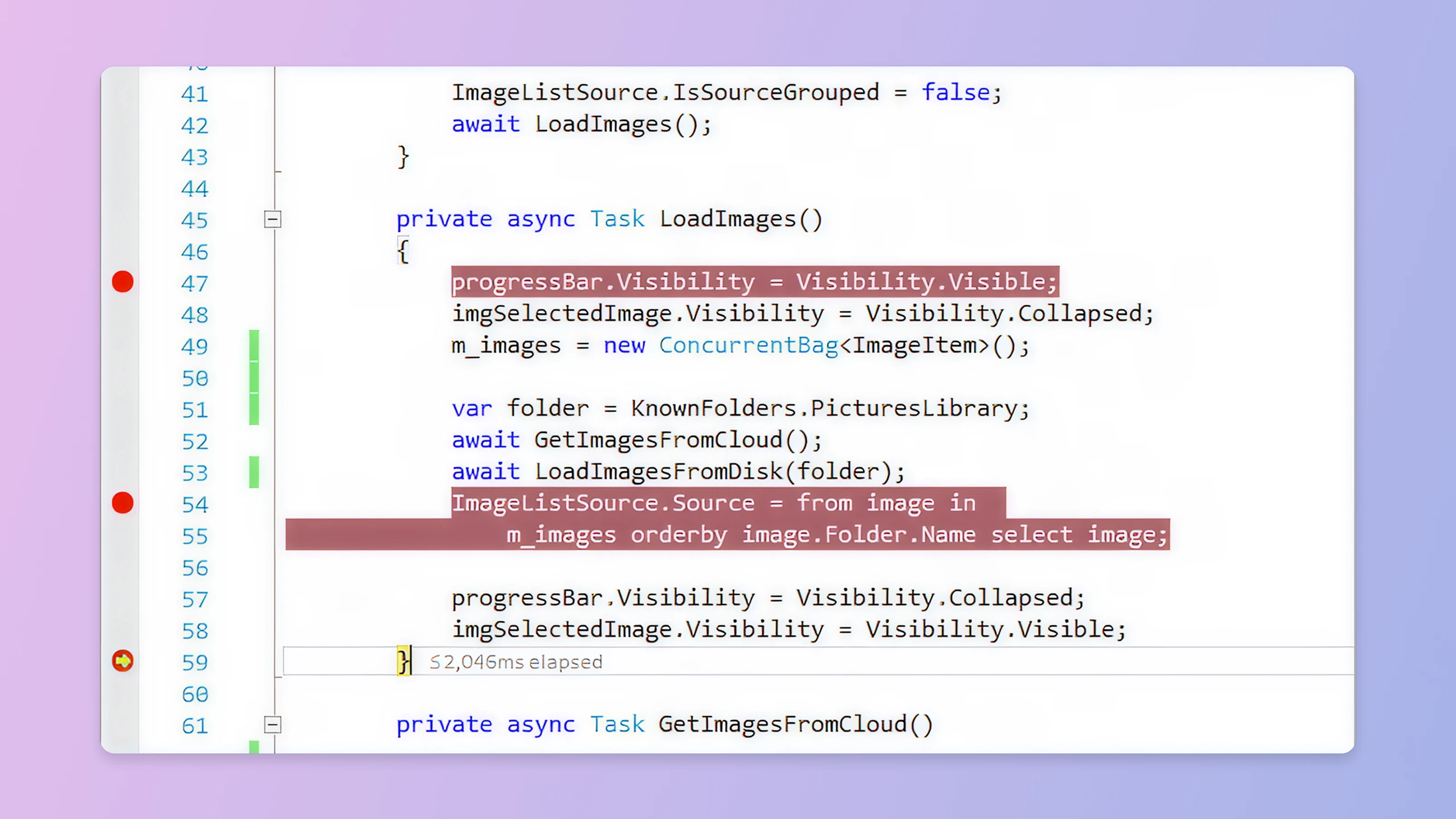
Debug to quickly find and fix bugs. Find and diagnose performance issues with the profiling tools.
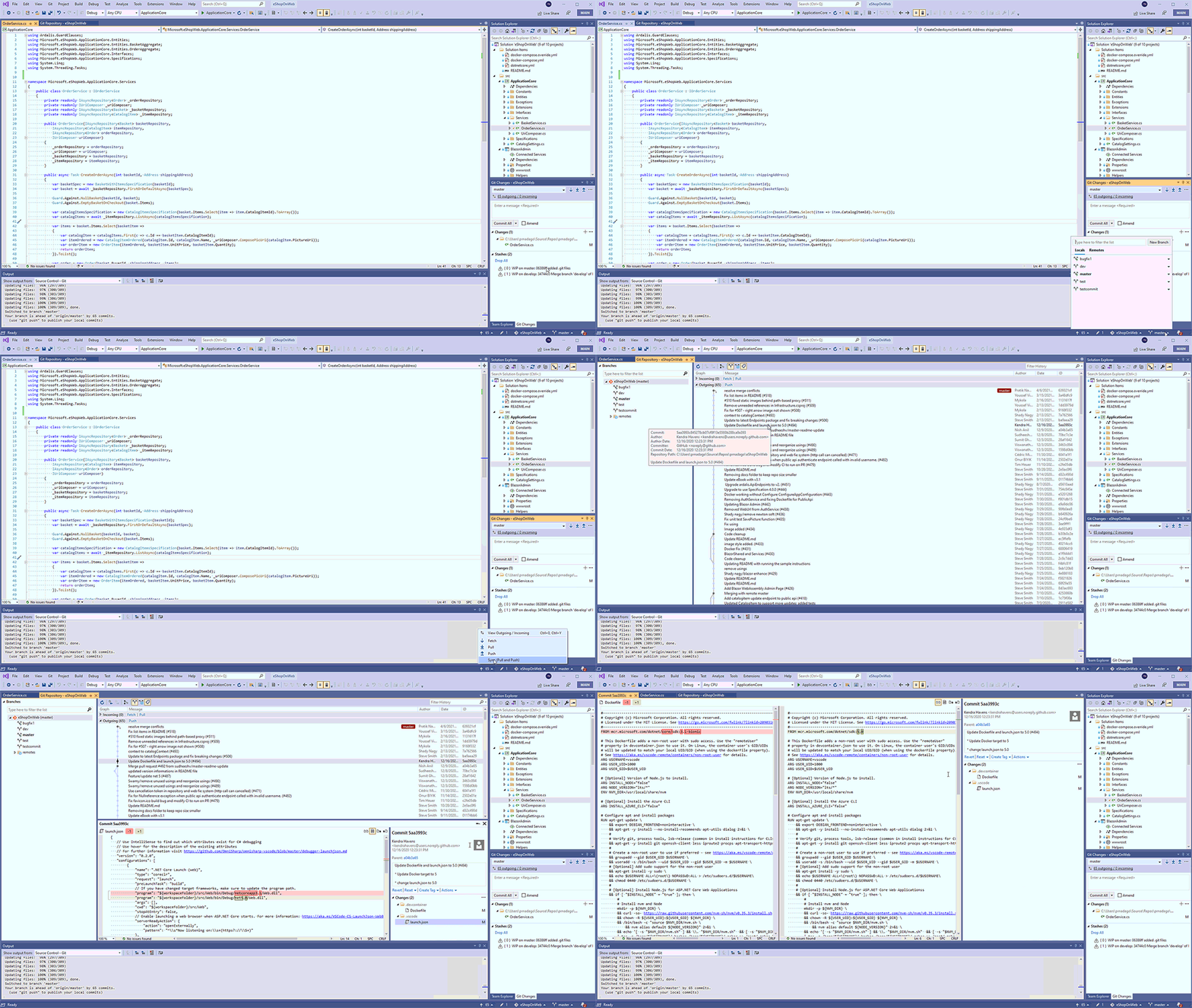
Use Git as the default source control experience in Visual Studio right out of the box. From the new Git menu, you can create or clone repositories from GitHub or Azure DevOps. Use the integrated Git tool windows to commit and push changes to your code, manage branches, sync with your remote repositories, and resolve merge conflicts.
Build native, cross-platform desktop and mobile apps all in one framework.
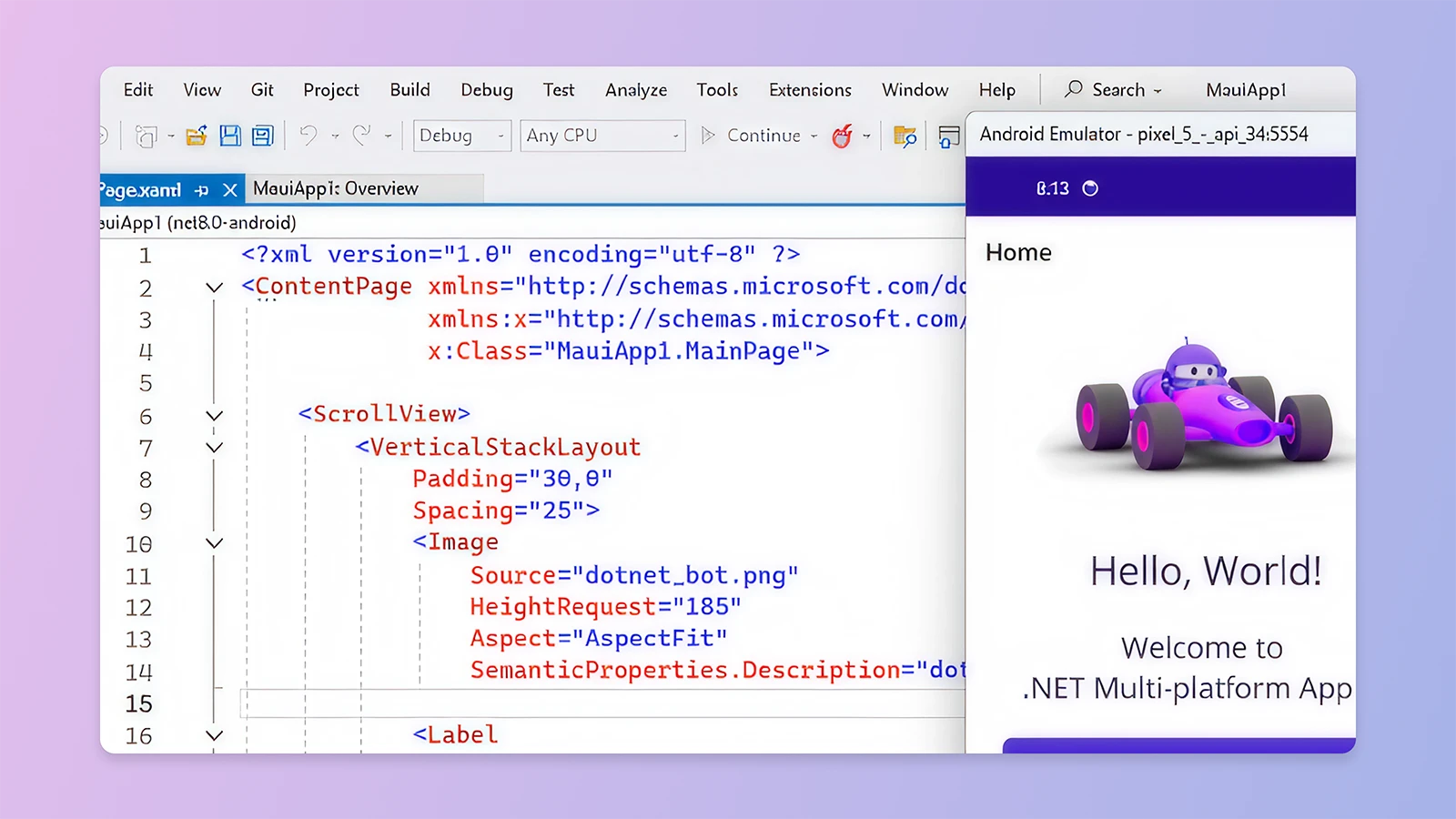
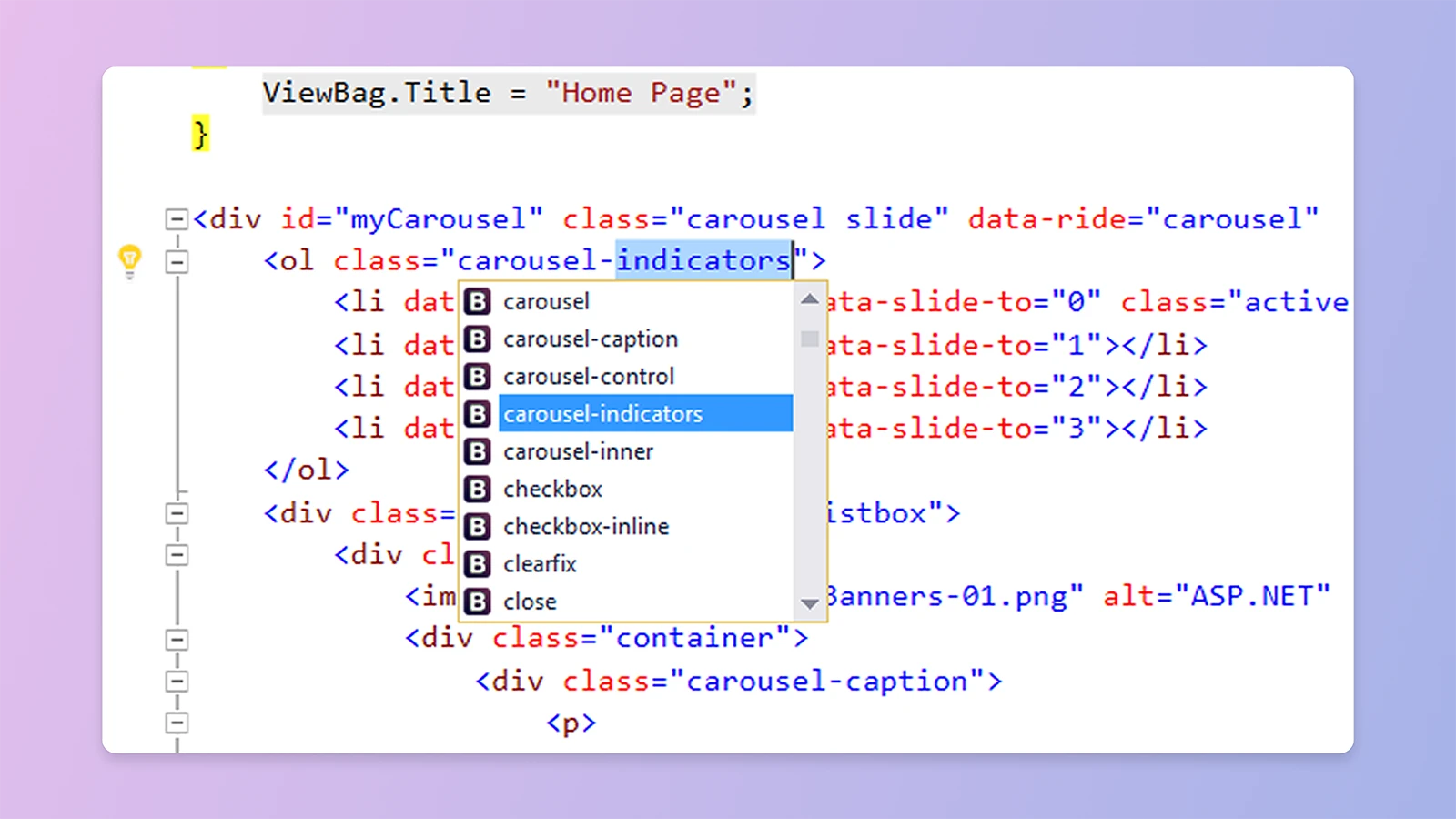
Develop for the web with ASP.NET, Node.js, Python, and JavaScript. Use with powerful web frameworks such as AngularJS, jQuery, Bootstrap, Django, and Backbone.js.
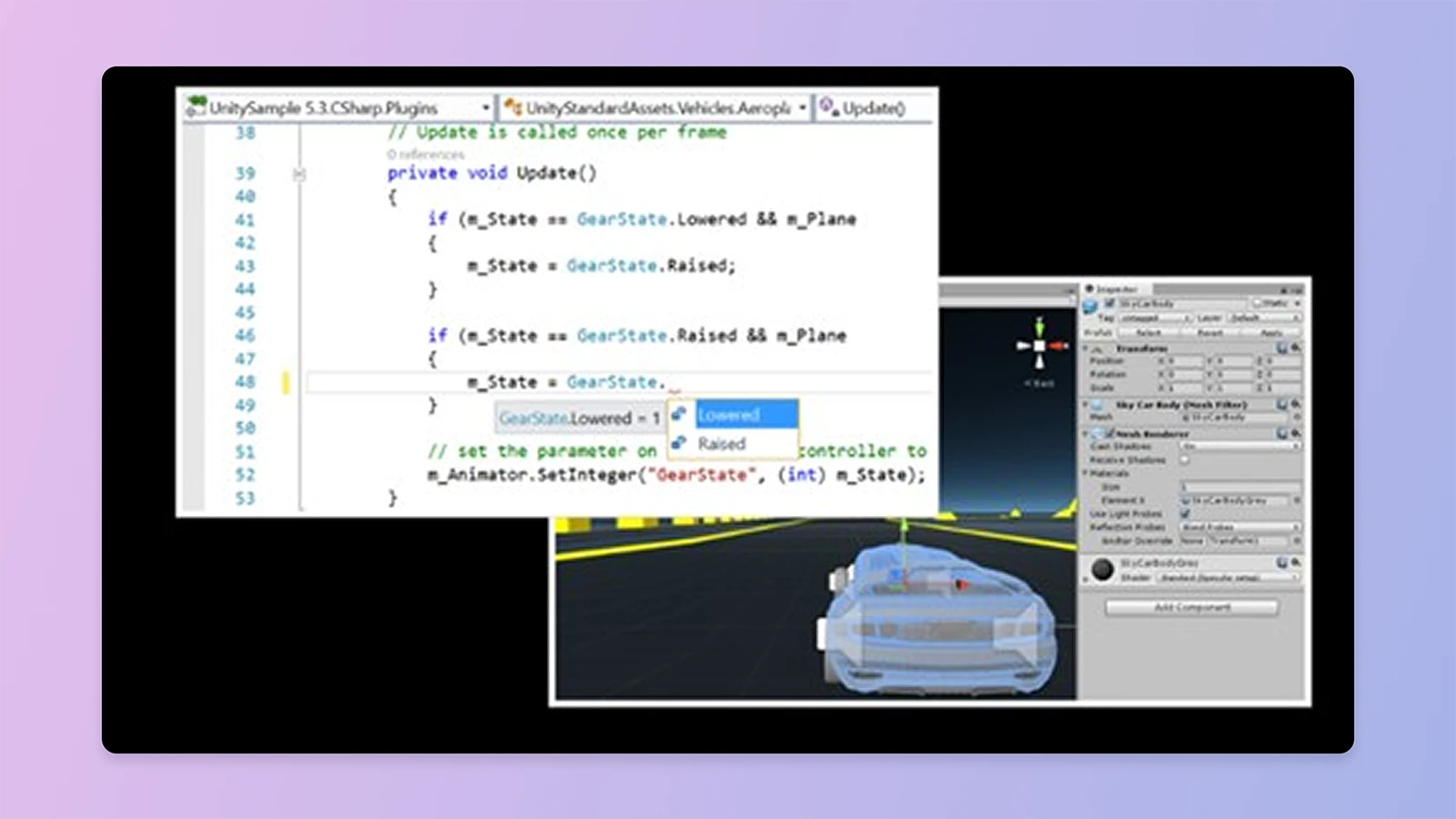
Turn the latest Visual Studio into a powerful Unity development environment.
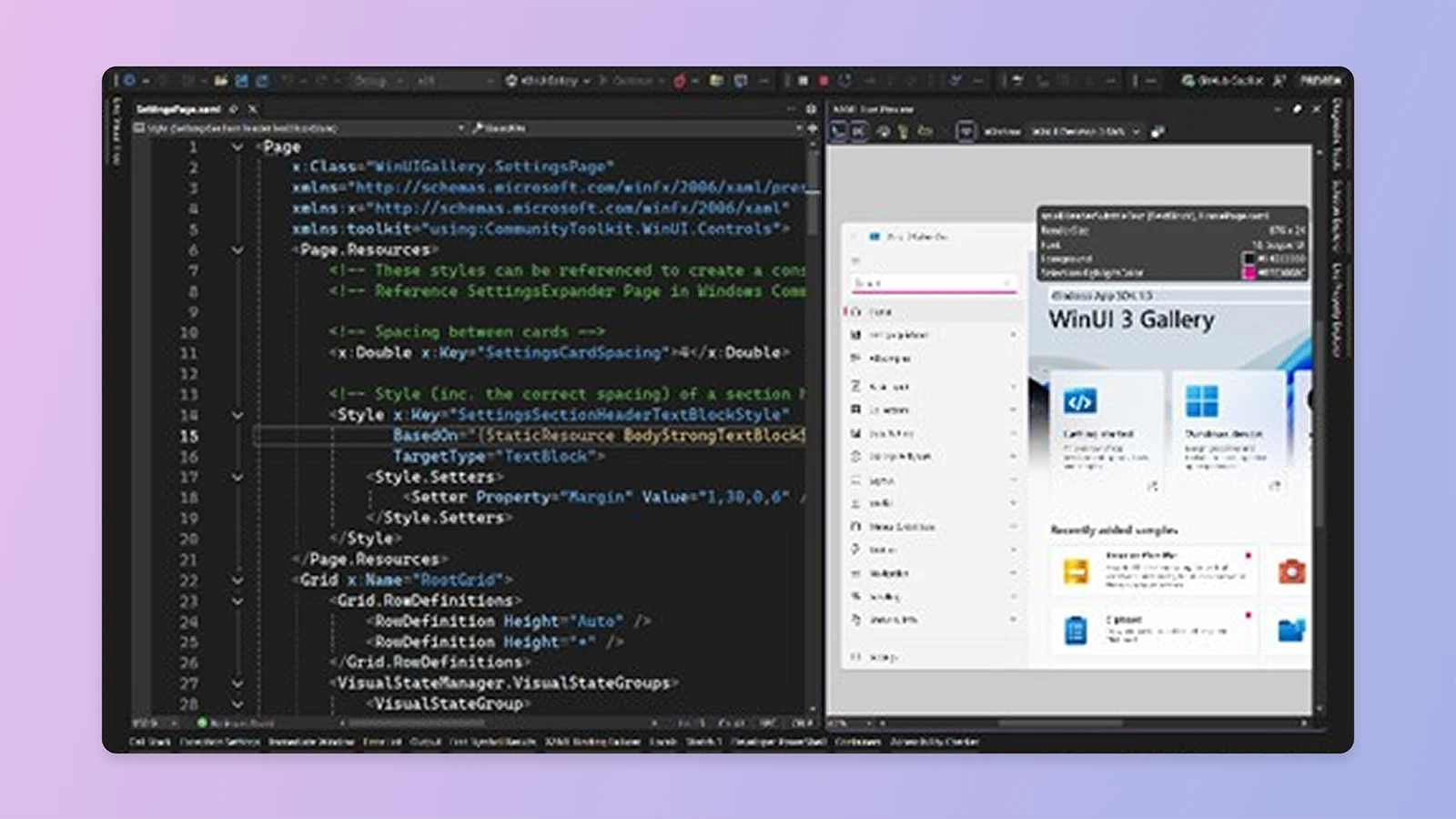
Build windows apps with WinUI 3 and the Windows App SDK, Windows Forms, Windows Presentation Foundation (WPF), or .NET MAUI.

Exciting benefits
Access to free tools and resources
When you sign into Visual Studio Community, you get access to a broad set of free developer tools, selected Xamarin University courses on-demand, Pluralsight training, Azure credits, and more as part of Visual Studio Dev Essentials.
Learn more about Visual Studio Dev EssentialsUsage
For more information, see the Visual Studio Community license terms.

For individuals
Any individual developer can use Visual Studio Community to create their own free or paid apps.

For organizations
An unlimited number of users within an organization can use Visual Studio Community for the following scenarios: in a classroom learning environment, for academic research, or for contributing to open source projects.
For all other usage scenarios:
In non-enterprise organizations, up to five users can use Visual Studio Community. In enterprise organizations (meaning those with >250 PCs or >$1 Million US Dollars in annual revenue), no use is permitted beyond the open source, academic research, and classroom learning environment scenarios described above.
Download the latest Visual Studio
Visual Studio Community
Free, fully-featured IDE for students, open-source and individual developers.
Learn moreVisual Studio Professional
Powerful developer tools, services, and subscription benefits for efficient small-team collaboration.
Learn moreVisual Studio Enterprise
Advanced debugging, enterprise security, AI-assisted development—plus Azure Credits and Dev/Test pricing for the cloud.
Learn more


