

Develop | Visual Studio

Code like Scott
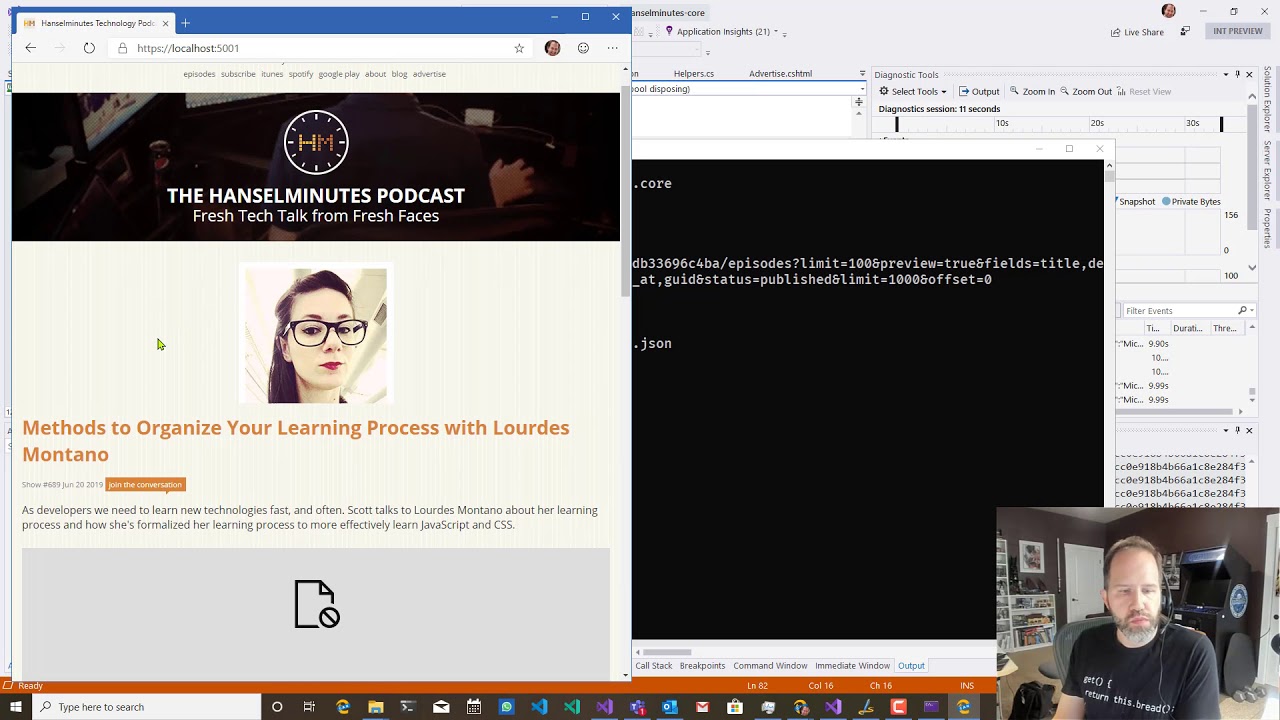
Scott shows you his coding set-up, including Live Unit Testing, customizing his cursor, and Diagnostic Tools. He also shows how Cloud Explorer works with the Azure Portal.
Save time debugging
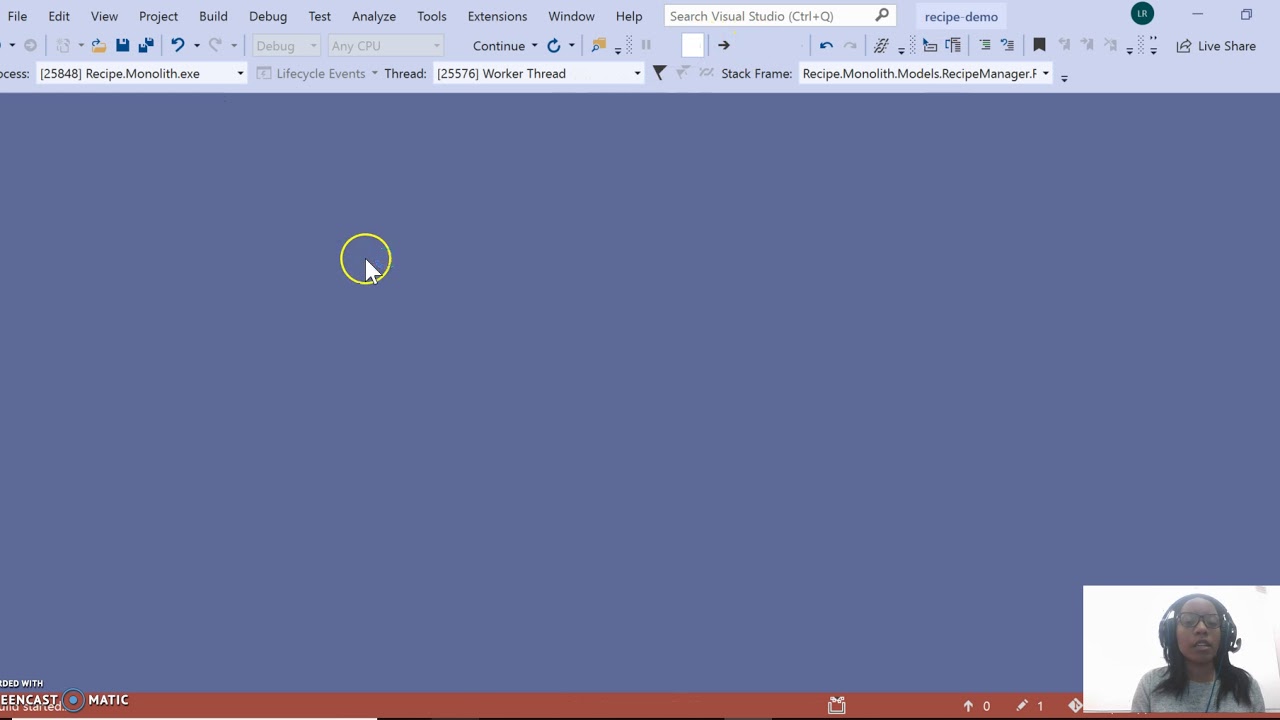
Leslie shows how you can save time debugging with the new Search feature for the autos, locals, and watch windows in Visual Studio .
Saved Window layouts
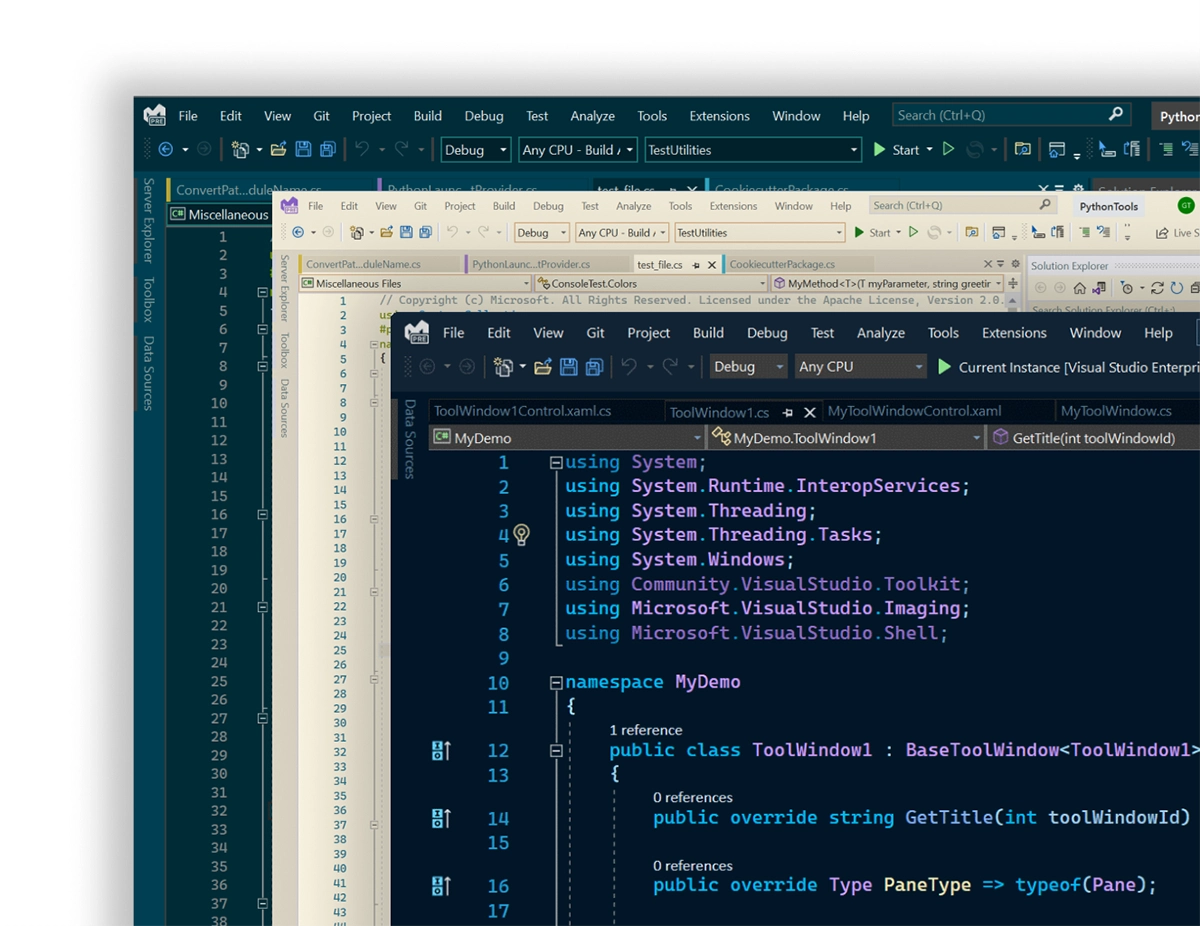
We’re introducing ways that make Visual Studio more flexible so you can learn, navigate, and write code the way you want to. We’ve introduced new custom themes and flexible document management capabilities, like color tabs.
Default keyboard shortcuts
Configure keyboard shortcuts: Tools > Options > Environment > Keyboard
Tips and tricks
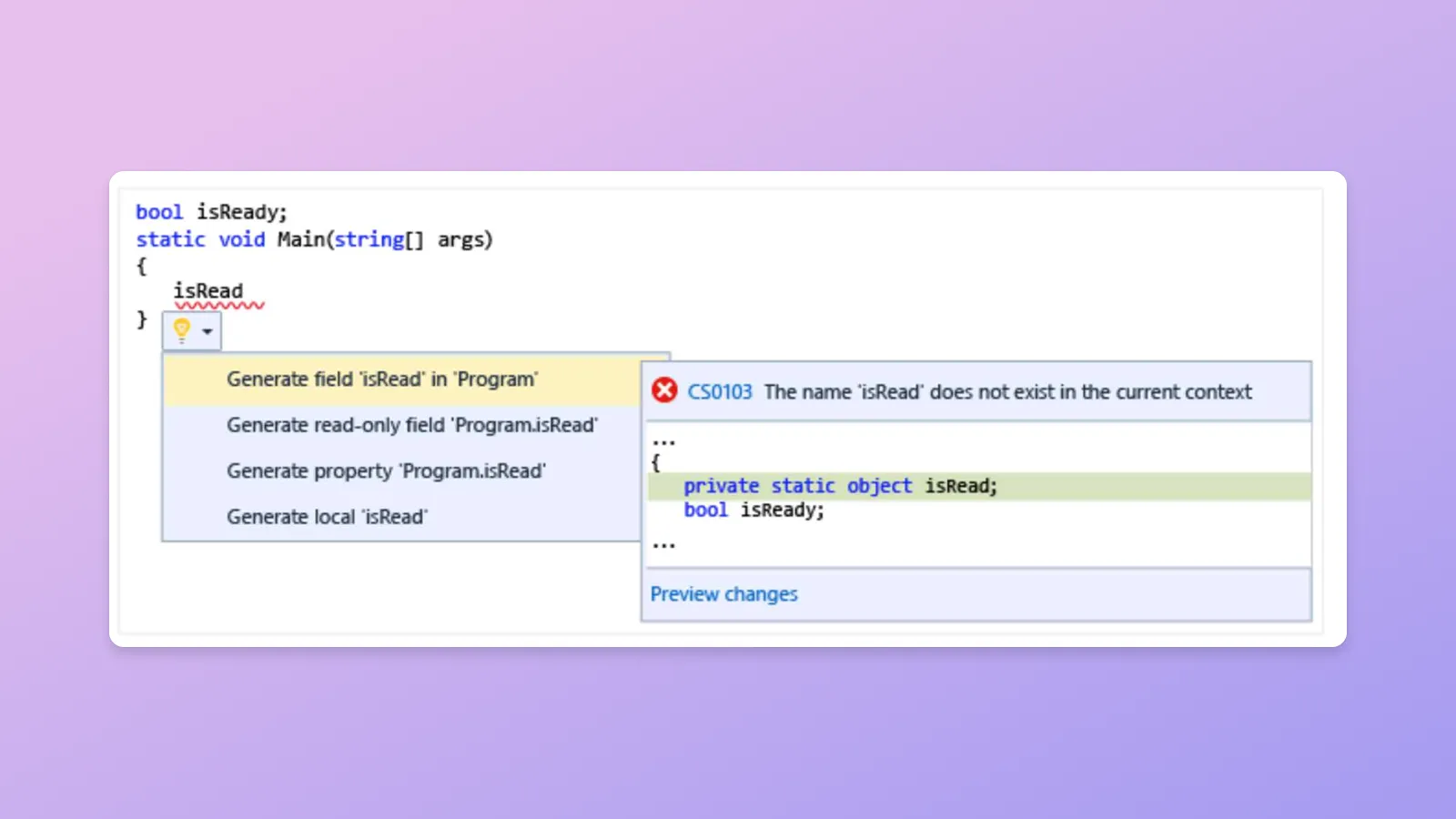
Use Light Bulbs to access built-in code analyzers that can detect issues in your code and provide a range of solutions or refactoring options to address them.
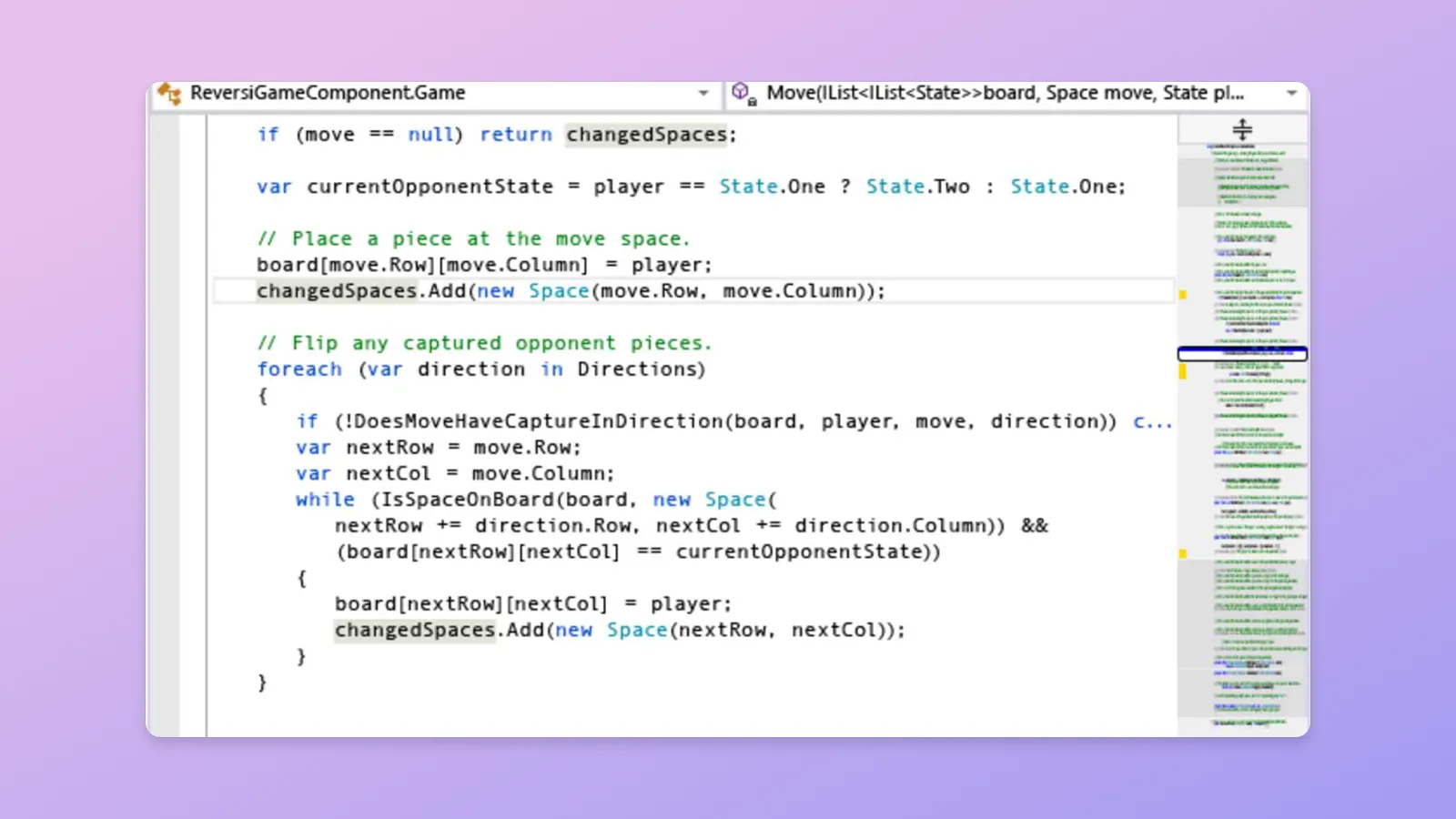
Customize Visual Studio’s scroll bar with Map Mode to display a miniature overview of your files alongside the scroll bar, and easily navigate long files.
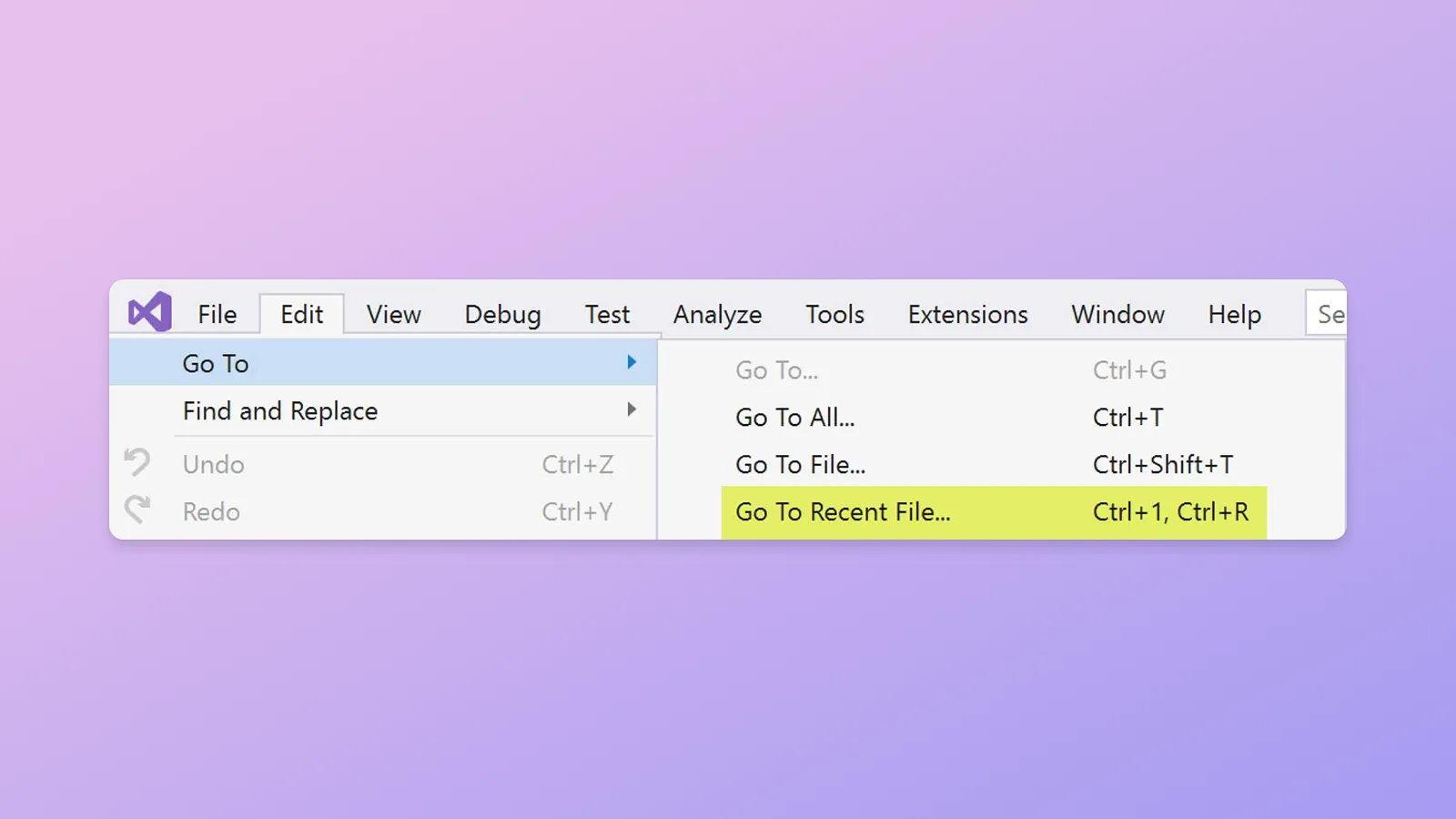
Leverage the Go To commands to efficiently search your code and swiftly navigate to specific lines, types, symbols, files, and more, all from a unified interface.
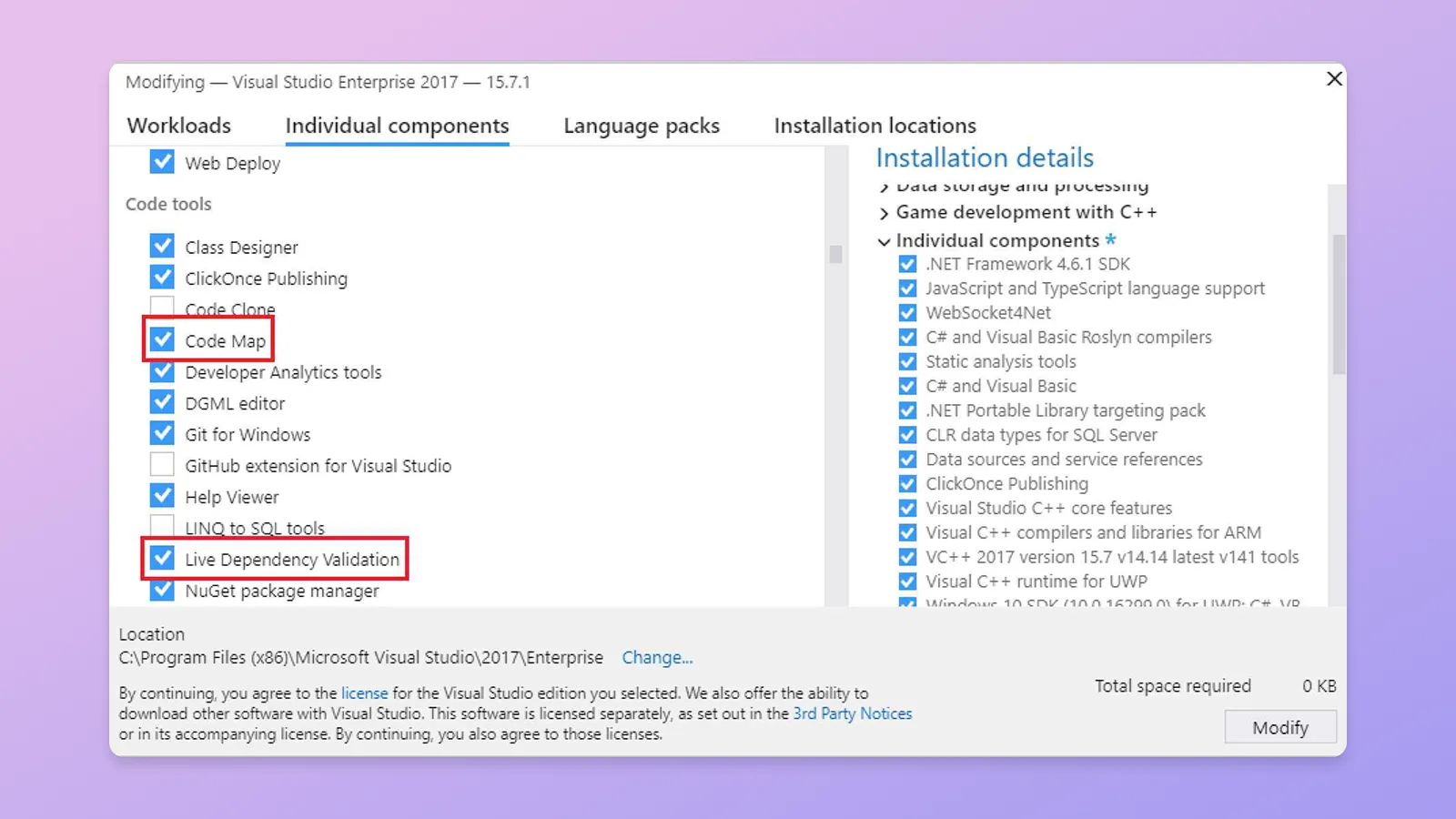
Utilize Code Maps to visualize and quickly review the structure, dependencies, organization, and relationships between your code files without having to read through each file individually.
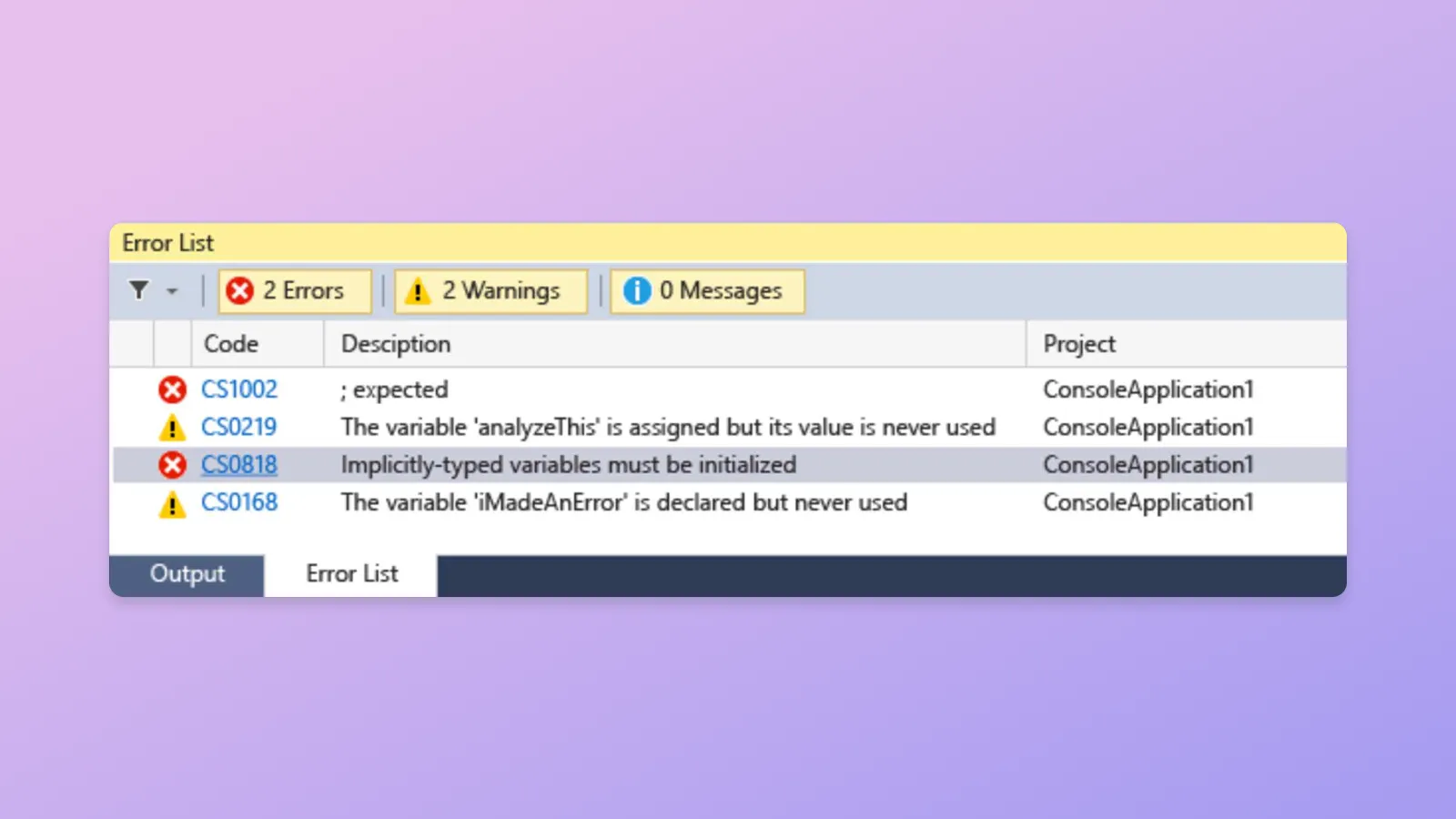
Make use of the Error List to filter errors, warnings, and messages, and to search and quickly navigate to the specific line containing an error.
Take it further with extensions
Extensions are add-ons that customize and enhance Visual Studio, including extra settings, features, or uses for existing tools. With thousands of extensions on the marketplace, you’ve got options galore to increase your productivity and cater to your workflow.
Explore Extensions
GitHub Actions
A window that provides a view of GitHub Actions for the current repo of the opened solution in Visual Studio. Provided by @timheuer

Markdown Editor v2
A full featured Markdown editor with live preview and syntax highlighting. Supports GitHub flavored Markdown.

Visual Studio Theme Pack
Collection of popular themes, now available for Visual Studio.

SQLite and SQL Server Compact Toolbox
This extension adds several features to help your embedded database development efforts.
Download the latest Visual Studio
Visual Studio Community
Free, fully-featured IDE for students, open-source and individual developers.
Learn moreVisual Studio Professional
Powerful developer tools, services, and subscription benefits for efficient small-team collaboration.
Learn moreVisual Studio Enterprise
Advanced debugging, enterprise security, AI-assisted development—plus Azure Credits and Dev/Test pricing for the cloud.
Learn more


